Getting Started with SPARK LE-UWBTM
Whether you are evaluating LE-UWB™ for a new design or setting up your EVK for the first time, this guide covers the right steps in the right order.
Choose your path
New to SPARK LE-UWB™
You're evaluating whether LE-UWB™ fits your application. Start here to understand what SPARK offers, which silicon to choose, and how to get hardware.
I have an EVK
Your hardware has arrived. Start here to set up your development environment, download the SDK, and run your first application.
New to SPARK LE-UWB™
1. Understand LE-UWB™
(Low Energy Ultra-Wideband) is SPARK's proprietary impulse radio architecture. It delivers deterministic low latency, ultra-low power, and high data throughput simultaneously; without the trade-offs of Bluetooth or Wi-Fi.
2. Check if LE-UWB™ fits your application
LE-UWB™ is purpose-built for short-range, real-time wireless applications such as gaming peripherals, wireless audio, AI wearables, industrial sensors, presence detection, and beyond. Review the solutions pages to see how LE-UWB™ performs in your application category
4. Get an evaluation kit
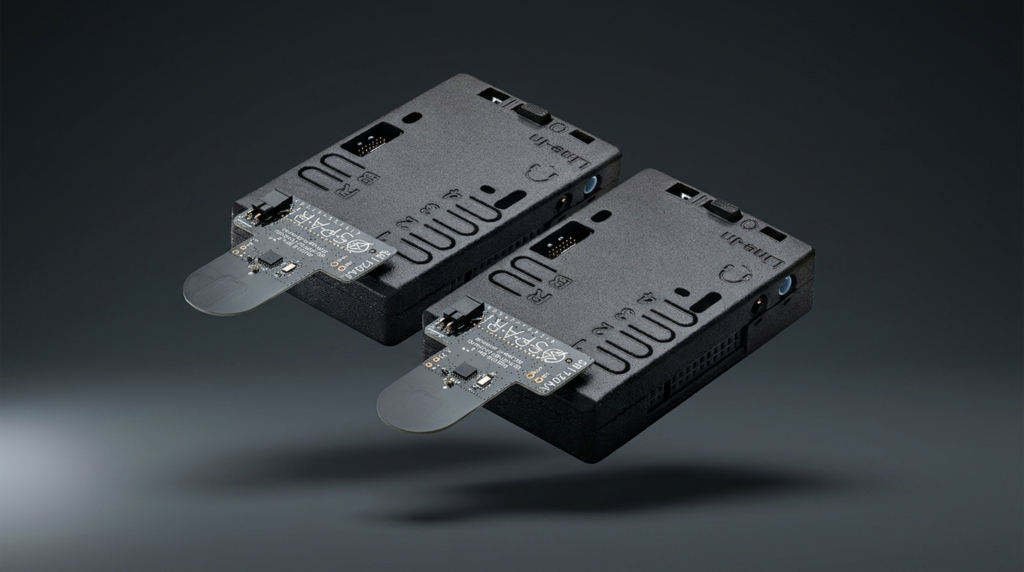
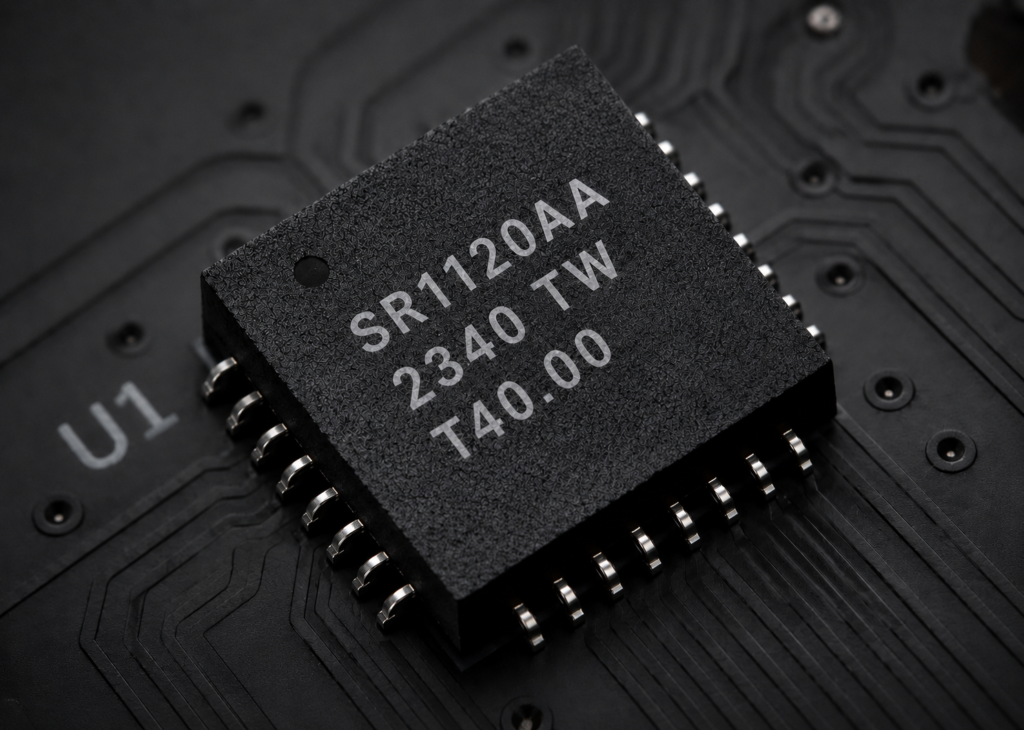
The fastest path from silicon selection to a working wireless link is the SPARK EVK. Choose the SR1120 Evaluation Kit.
Setting up your EVK
1. Know your Kit
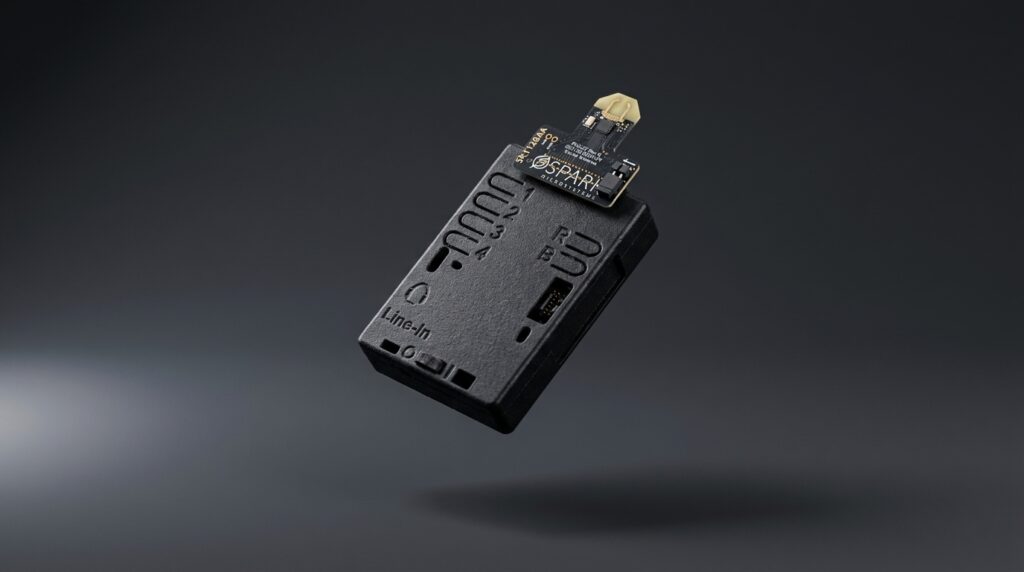
The SR1120 EVK uses the Quasar board and STM32U5 MCU.
2. Download the SDK
The SPARK SDK is required to build and flash applications on your EVK. Download it from the SDK page and it includes both BSPs, all example applications, and the full porting guide.
3. Set up your development environment
Install VS Code and the required extensions. Follow the SDK Getting Started guide to create your virtual environment, configure CMake, and verify your build setup. Allow approximately 20–30 minutes for setup on a clean development machine.
4. Flash your first example
With your environment ready, build and flash the Hello World example to verify your EVK is working. Then try the Datalink example (SR1120) for your first live LE-UWB™ link.
5. Explore what your EVK can do
Once your first link is running, explore the full application example library such as audio streaming, star networks, headset, connection priority. Each example is documented with behavior, schedule configuration, and terminal output.
6. Port to your own hardware
When you're ready to move from EVK to your own board, the SDK porting guide covers everything including, hardware abstraction, facade/backend architecture, RTOS integration, BSP validator, and performance optimization.